How to Create a Contact
- On the left hand side, click on Contacts.
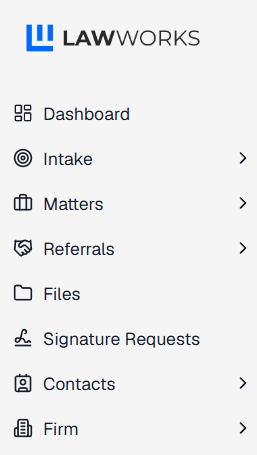
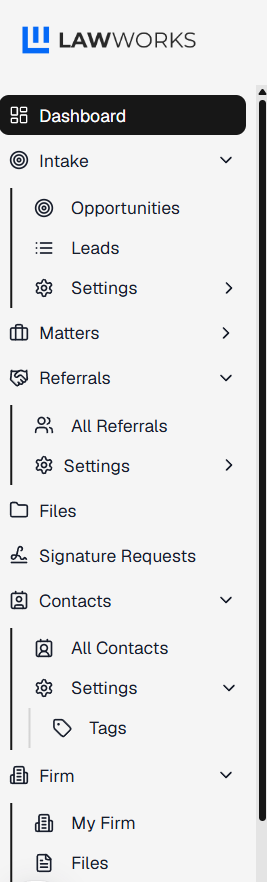
- A dropdown menu will appear. Click on All Contacts.
- On the right hand side of the screen, click on Create Contact.

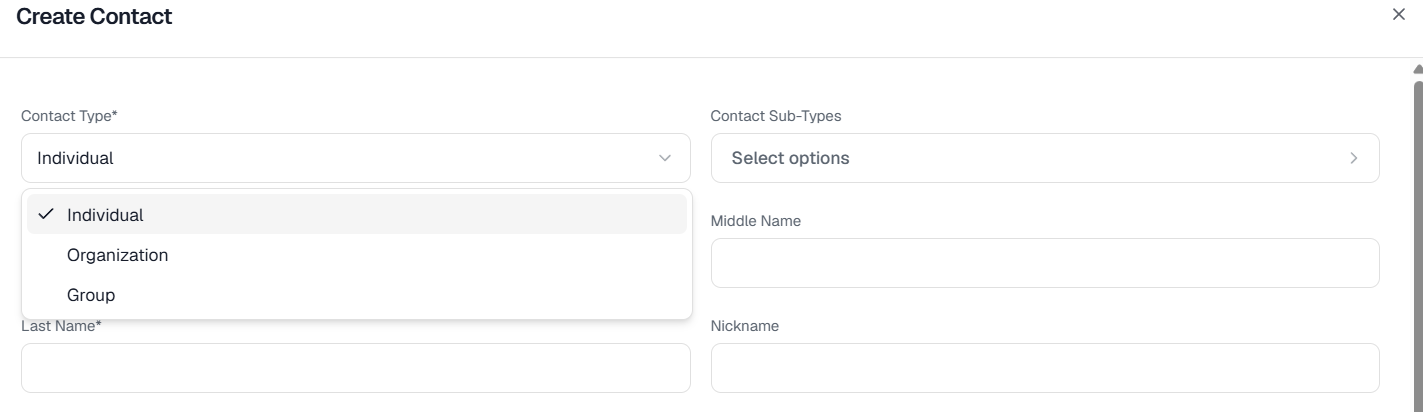
- Fill out the information. Start with choosing the type of contact: Individual, Organization or Group.
- Then indicate the contact type.
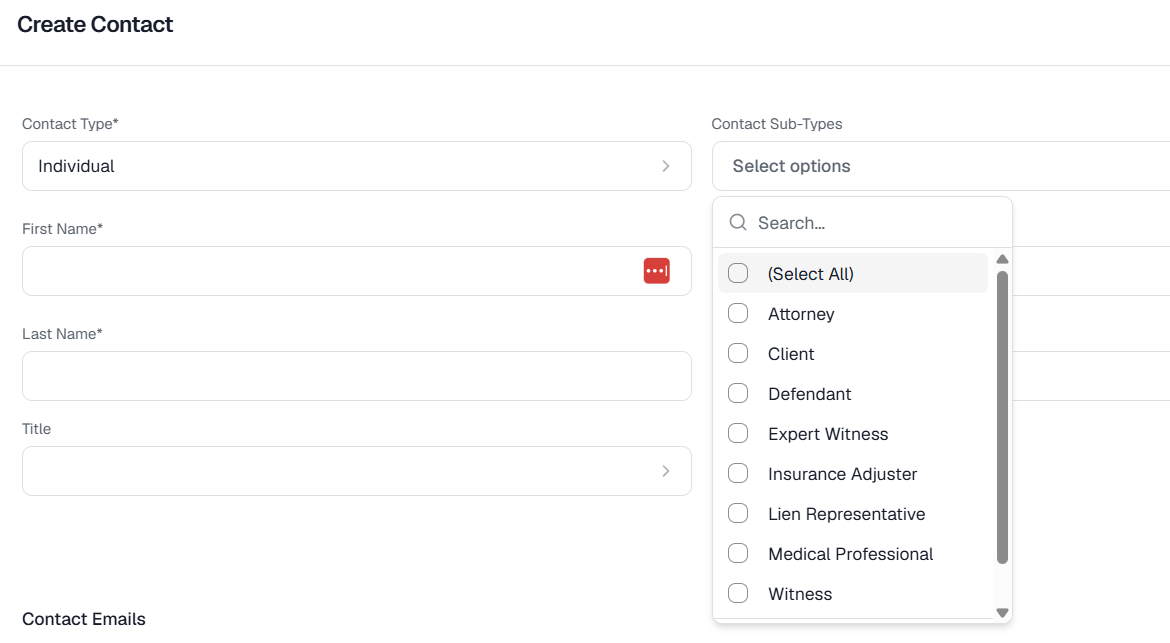
- The fill out the rest of the information.
- Click Save and you have created a new contact.
Did this answer your question?
Thanks for the feedback
There was a problem submitting your feedback. Please try again later.
No results found

