How to Upload or Create a Template
- On the left hand side, click on Files.
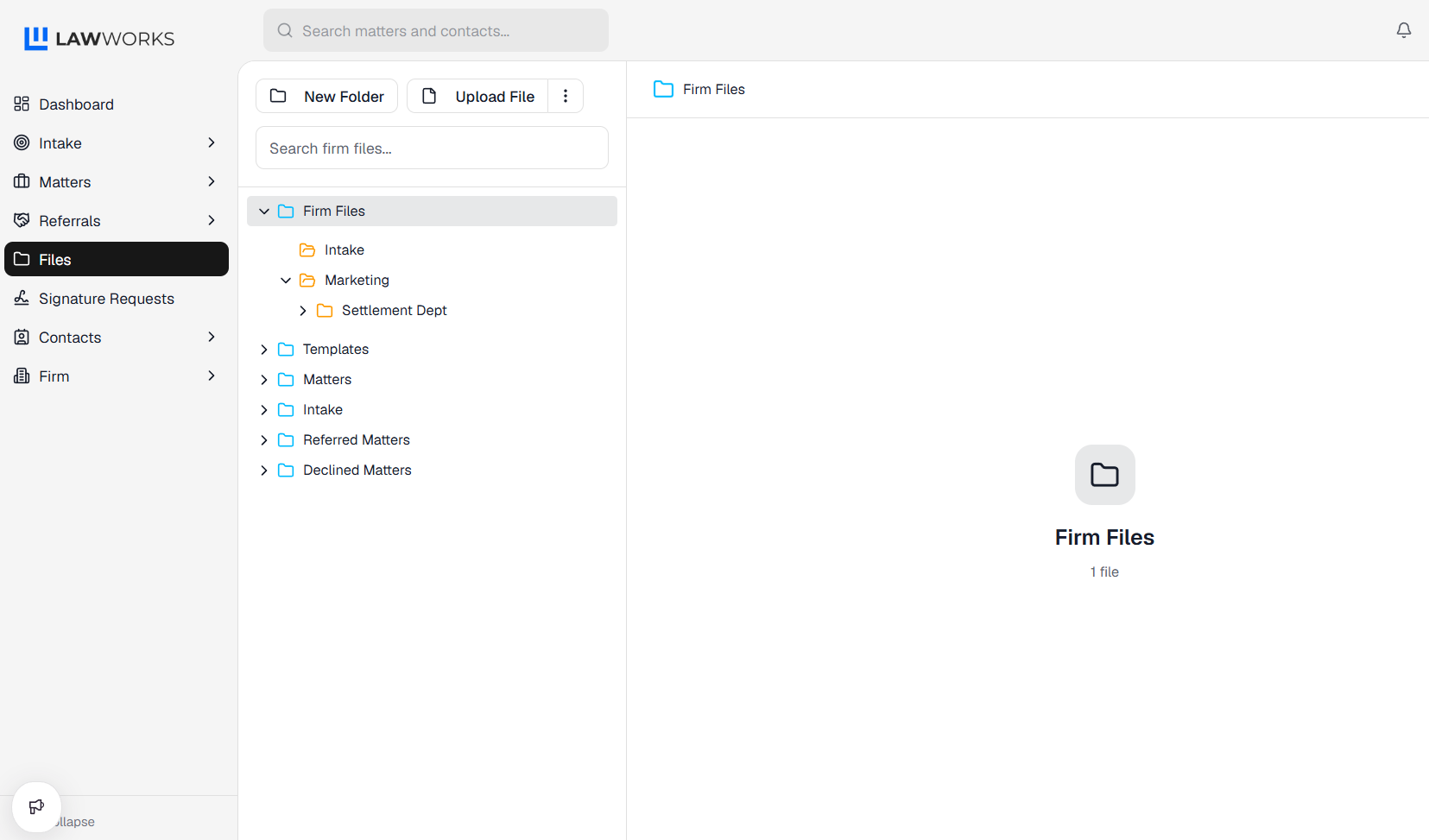
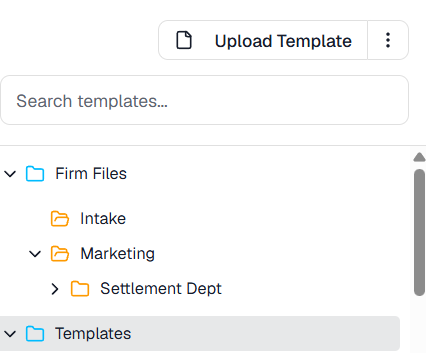
- Click on the Templates Folder.
- Click on Upload Template.
- Fill out the information and upload your template.
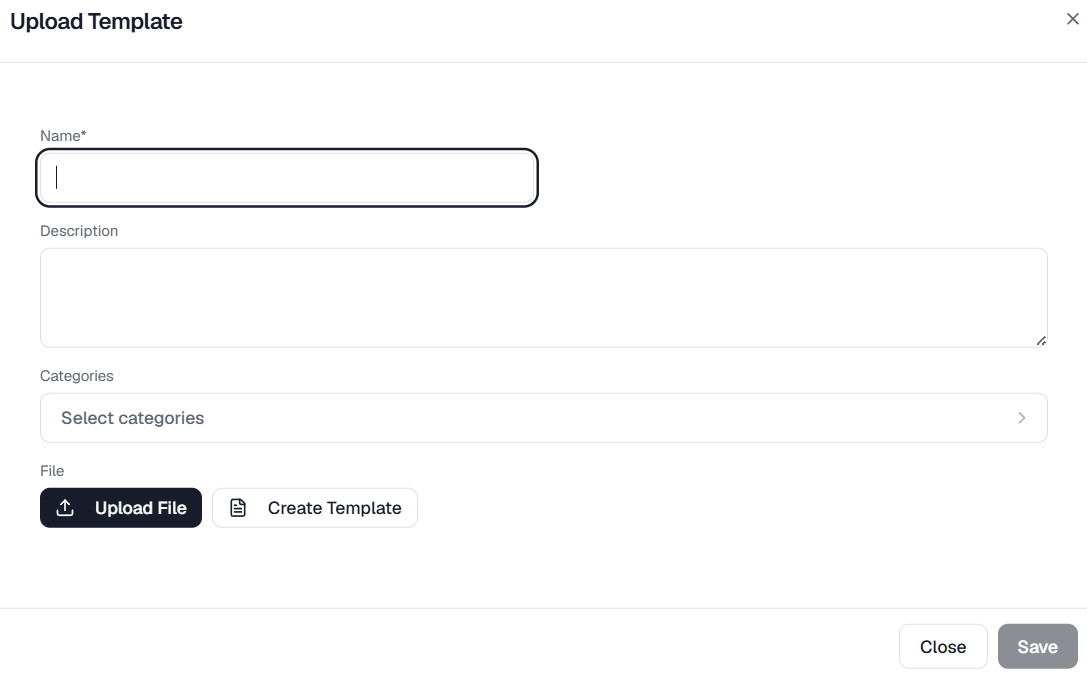
- OR click on Create Template if you would like to create a new template.
- You will be brought to a new window, where you can create your own template. When you are done, click on Save.
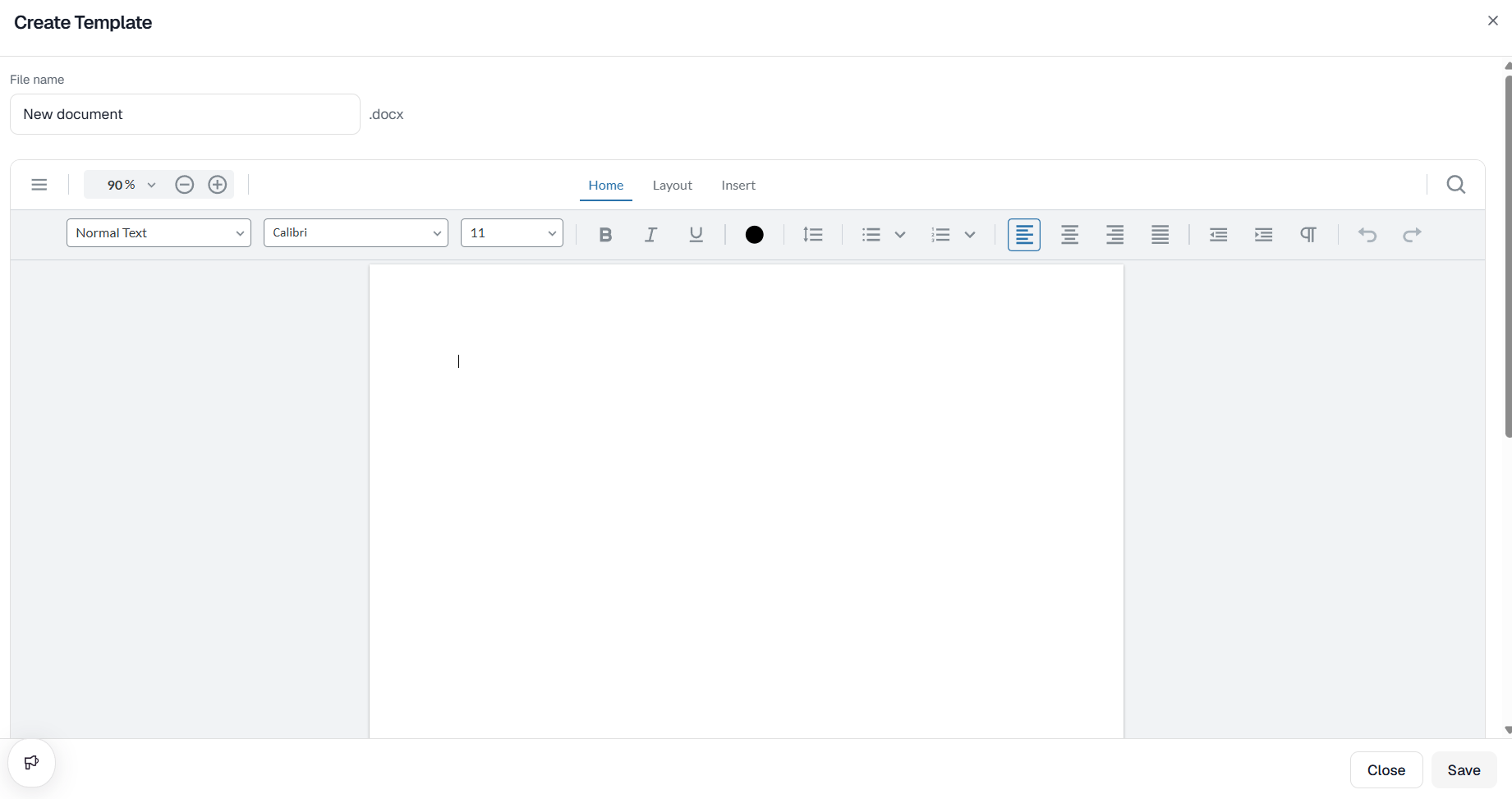
- Click Save again and you now have a uploaded a new template.
Did this answer your question?
Thanks for the feedback
There was a problem submitting your feedback. Please try again later.
No results found

