
How to Upload a File
- On the left hand side, click on Files.
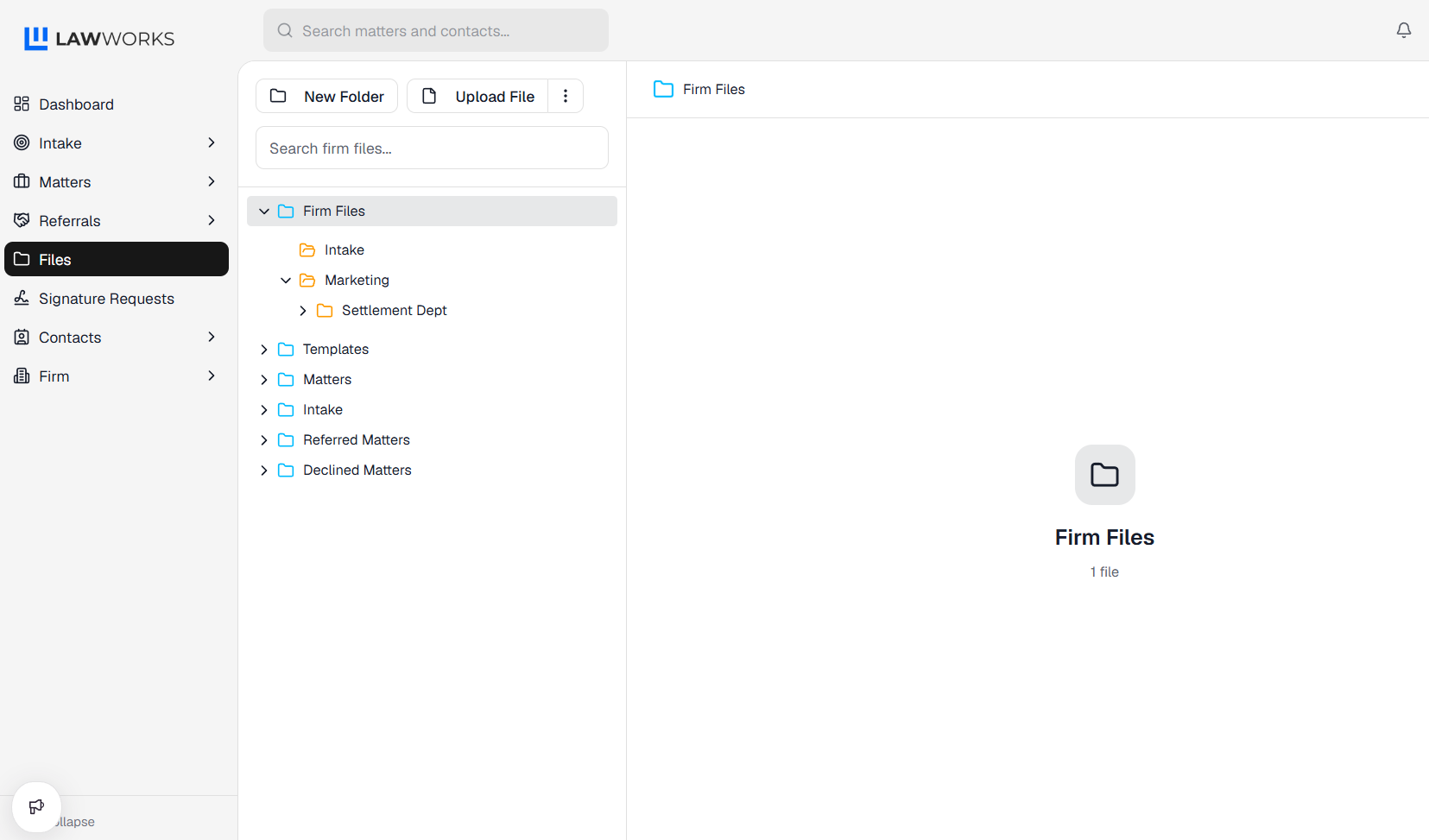
- Under the Firm Files, Matters or Intake folders, click on the destination of the new file.
- Click on Upload File.
- Fill out the information and upload the file.

- Click Save and you now have added a file to a folder..