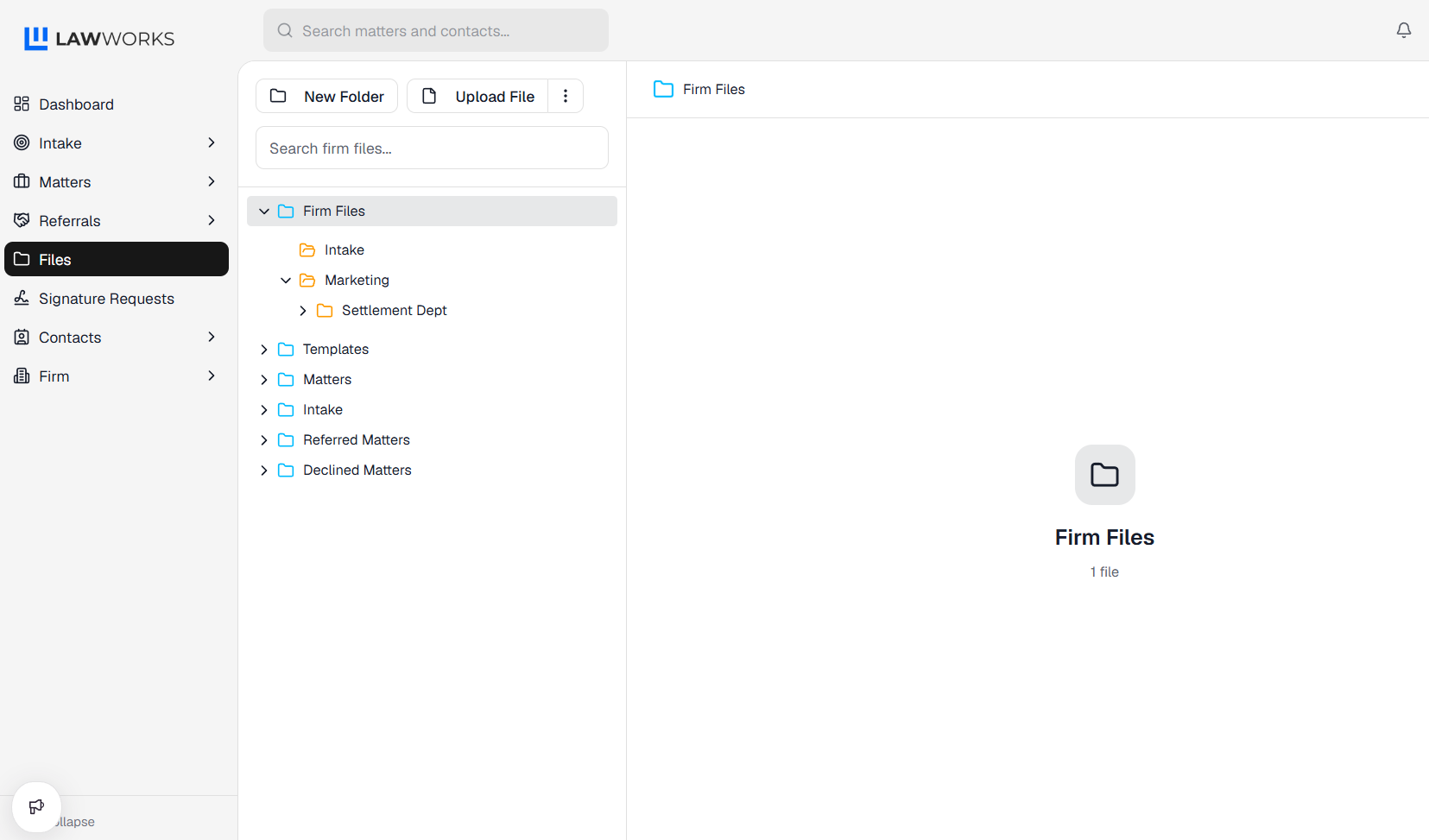
How to Create a New Folder On the left hand side, click on Files. Under the Firm Files, Matters or Intake folders, click on the destination of the new folder. Click on New Folder. Fill out the information. Click Save and you now have a new folder.