
How to Create a Matter
Creating a matter in LAWWORKS is simple.
- On the left hand side, click on Matters.

- A dropdown menu will appear. Click on All Matters.

- On the right hand side of the screen, click on Create Matters.

- A window will pop up. First click on Select Client.

a. If you already have a client in the system, you can search the client details using the search bar at the top of window. You can also click on Name and change the search criteria. Once you have found your client, click on the name.

b. If the contact isn't in the system, click on Create Contact. Fill out the information and click on save.


-
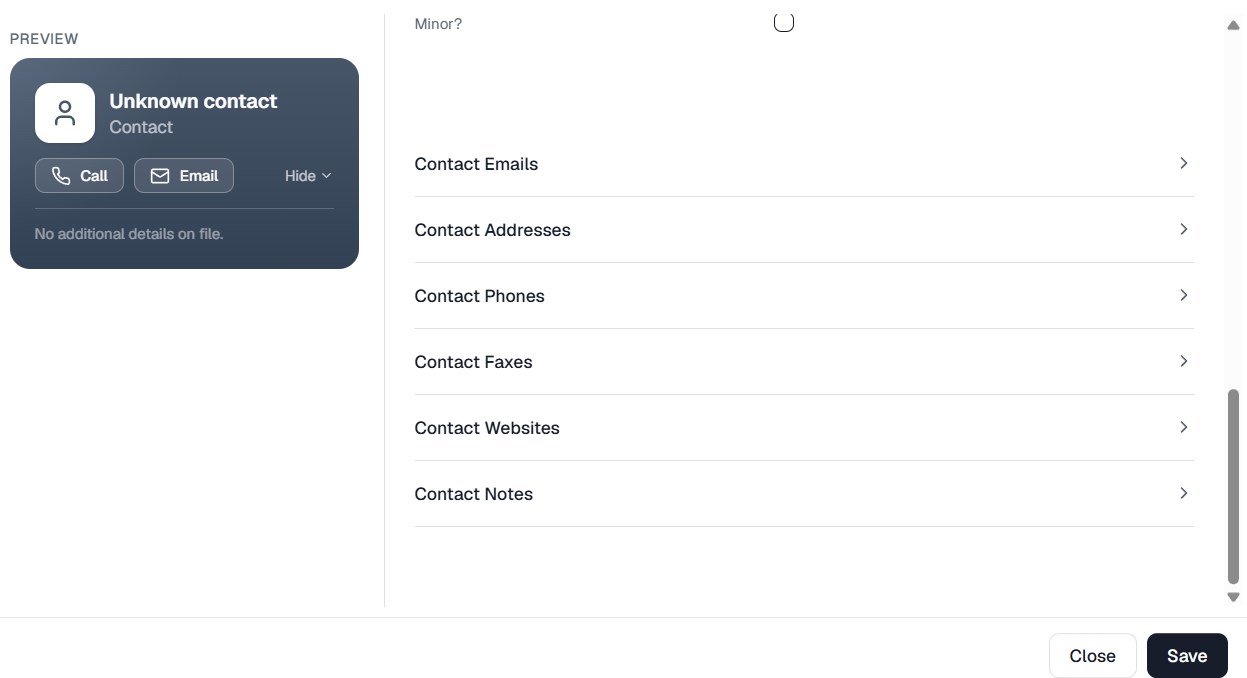
Then click on Select a Primary Contact.

a. If you already have a contact in the system, you can search the contact details using the search bar at the top of window. You can also click on Name and change the search criteria. Once you have found your contact, click on the name.
b. If the contact isn't in the system, click on Create Contact. Fill out the information and click on save.
6. Fill in the rest of the details pertaining to the matter.


- Then click on Save.
- Your matter has been created.